Phishing Emails Sent Today
—
3.4 billion / day · [1]
Cybersecurity Awareness and Online Safety Training
Learn how phishing, social engineering, malware, and account takeovers work, then apply simple steps to secure your devices, passwords, email, and personal data.
This cybersecurity awareness website focuses on practical online security skills for everyday life, families, and small businesses. Every guide explains attack techniques in plain language and gives a clear defense plan.
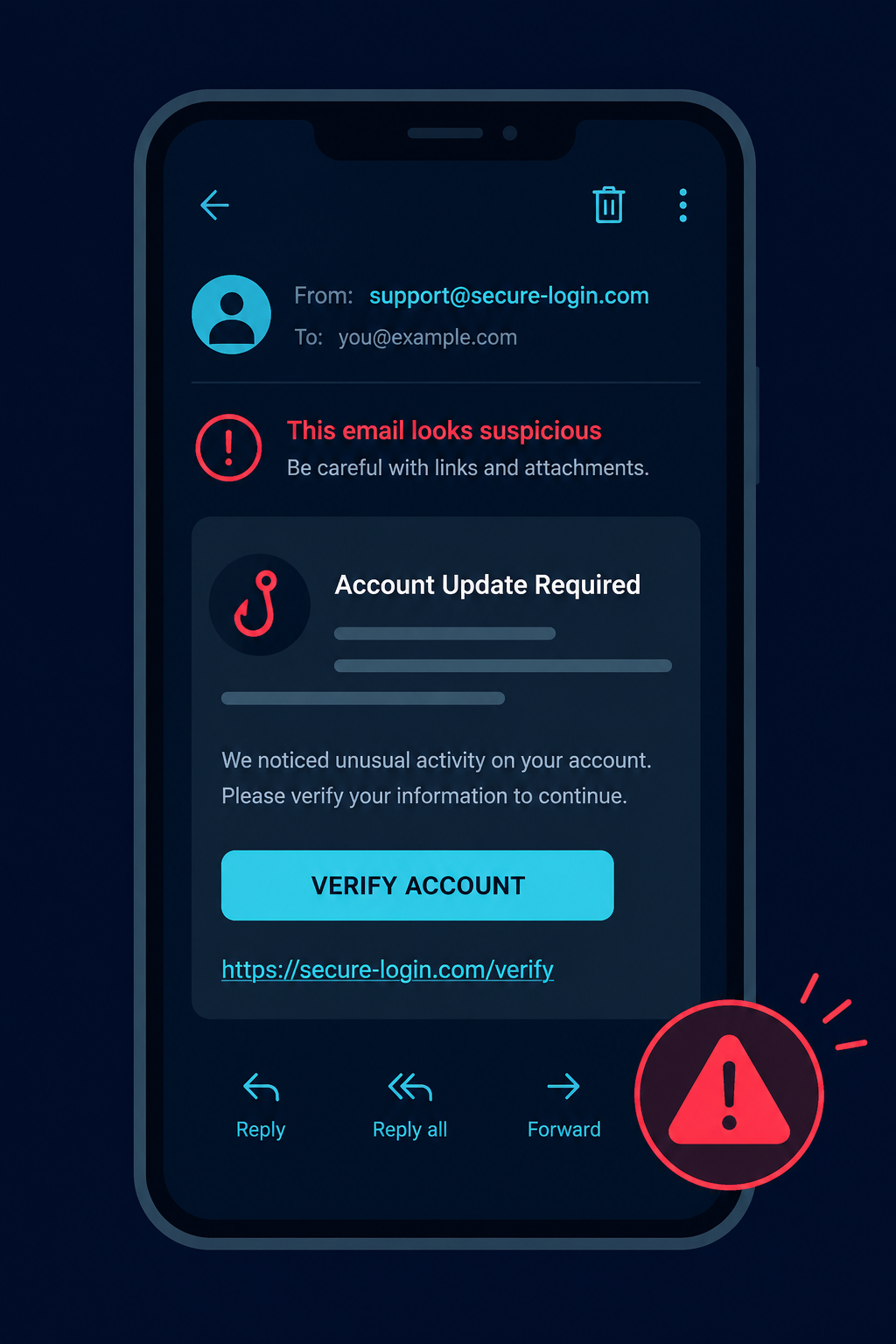
Spot phishing links, fake login portals, business email compromise, and malicious attachments.
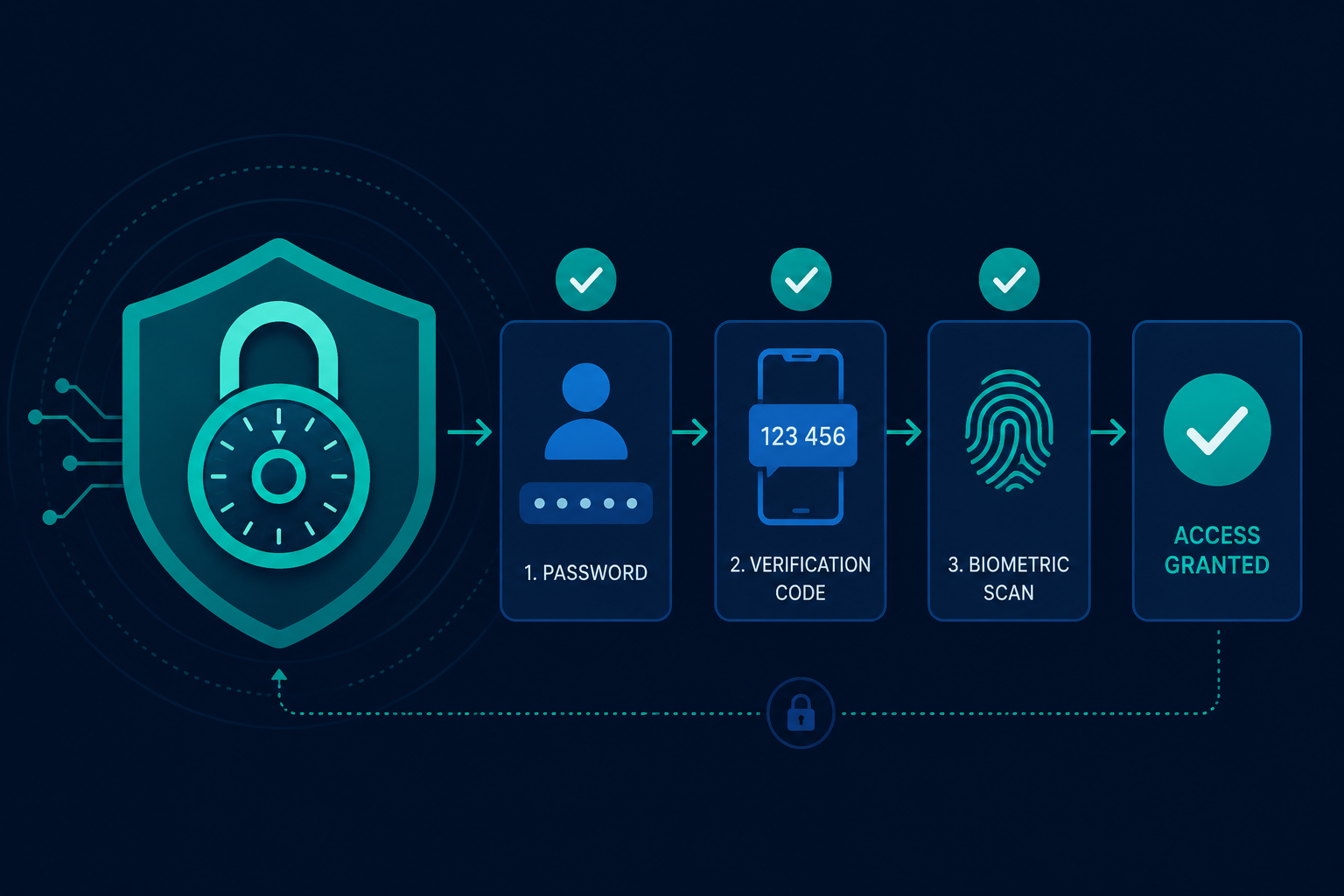
Use password managers, passkeys, MFA, and recovery settings to reduce account takeover risk.
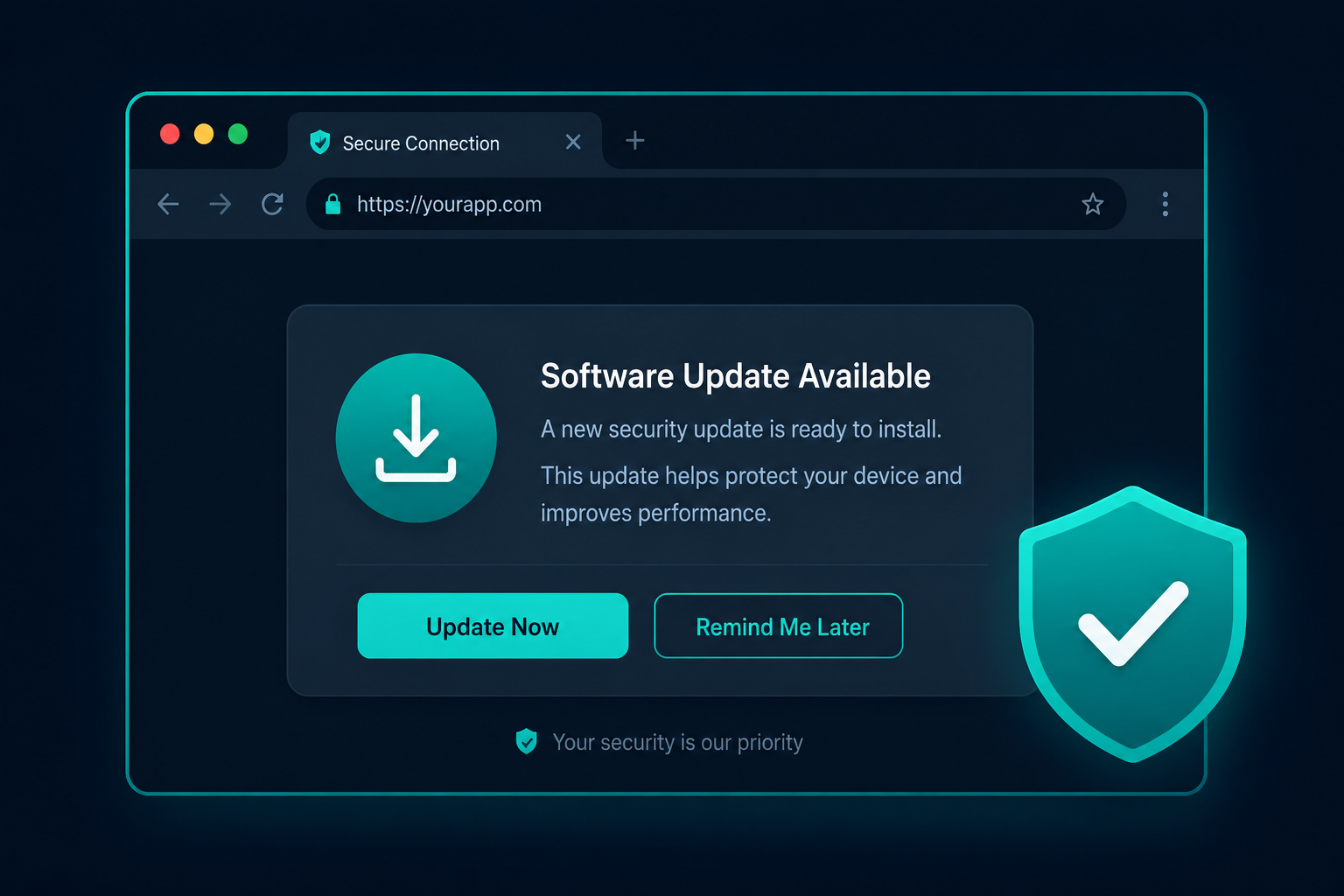
Harden browser settings, update software, and avoid unsafe downloads and fake software prompts.
Click the habits you already follow. Checking them off makes the checklist feel more concrete and easier to remember.
Start with the latest cybersecurity awareness articles and learn one defensive habit at a time.
Explore Cybersecurity Articles